Notes that
think with you
Write naturally. Ask anything. Slate turns your scattered thoughts into a personal knowledge base that actually works.
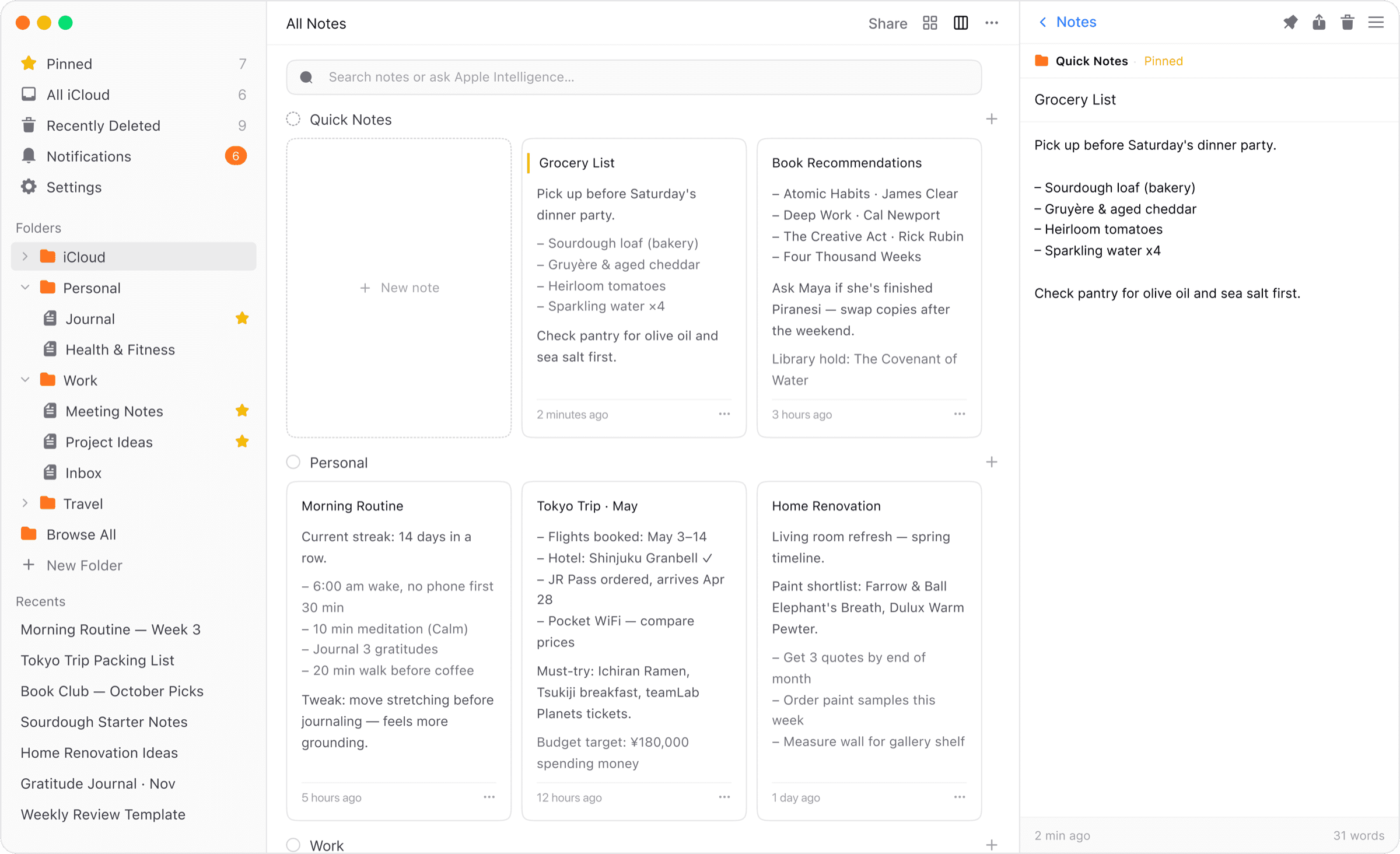
Information is everywhere. Notes, files, conversations live across different tools.
Slate brings everything together into one intelligent workspace.
Smart features for
everyday notes
Everything you need to capture, organise, and access your ideas — beautifully simple.
Quick Capture
Jot down ideas instantly from your lock screen widget. No loading, no friction — just write.
AI Across All Notes
Ask questions that reference your actual notes — not the internet. “What did I decide in last week’s meeting?”
Rich Text Editor
Bold, highlight, checklists, tables, and inline images. A full editor that stays out of your way.
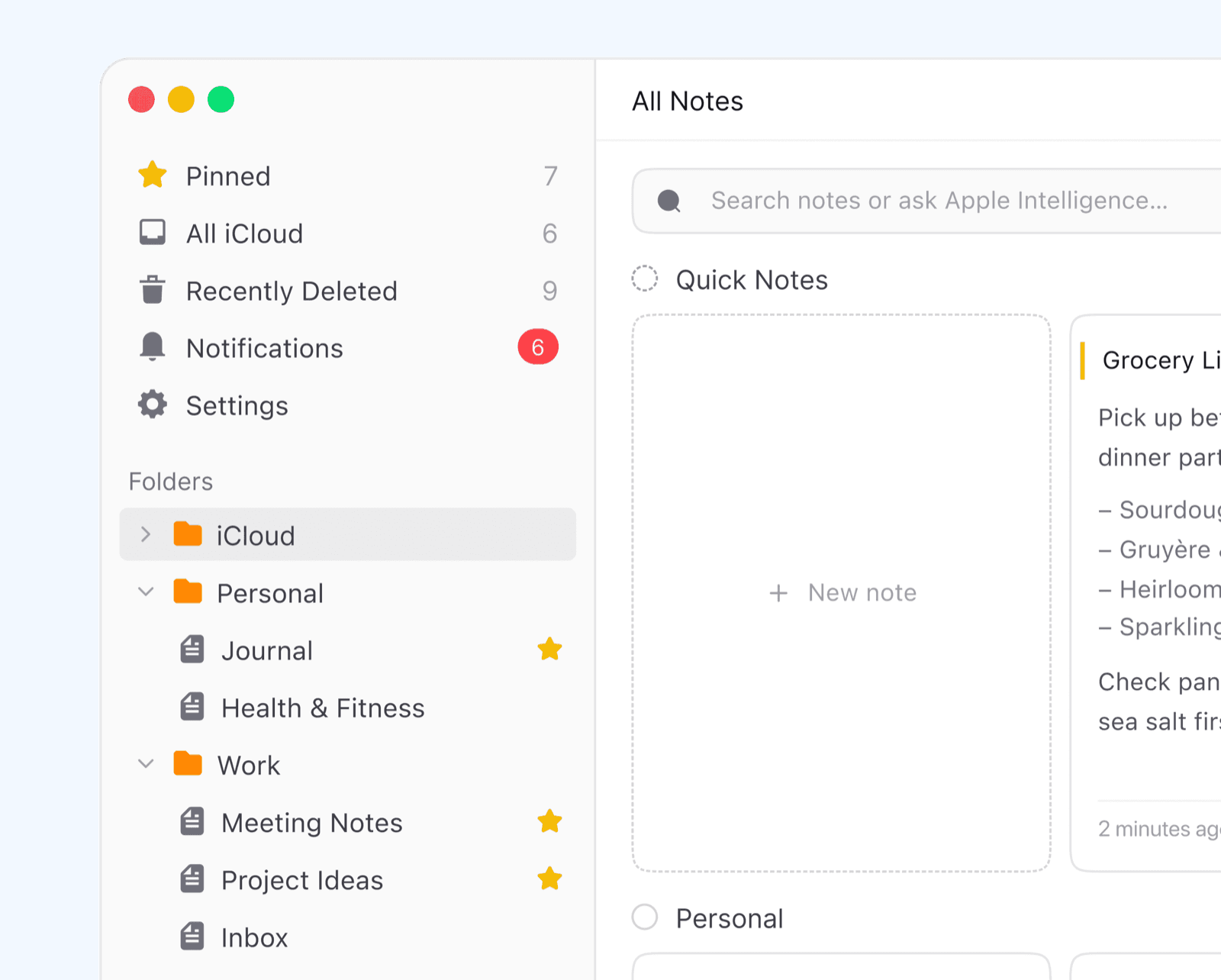
Folders & Smart Tags
Keep everything sorted with nested folders and colour-coded tags. Find anything.
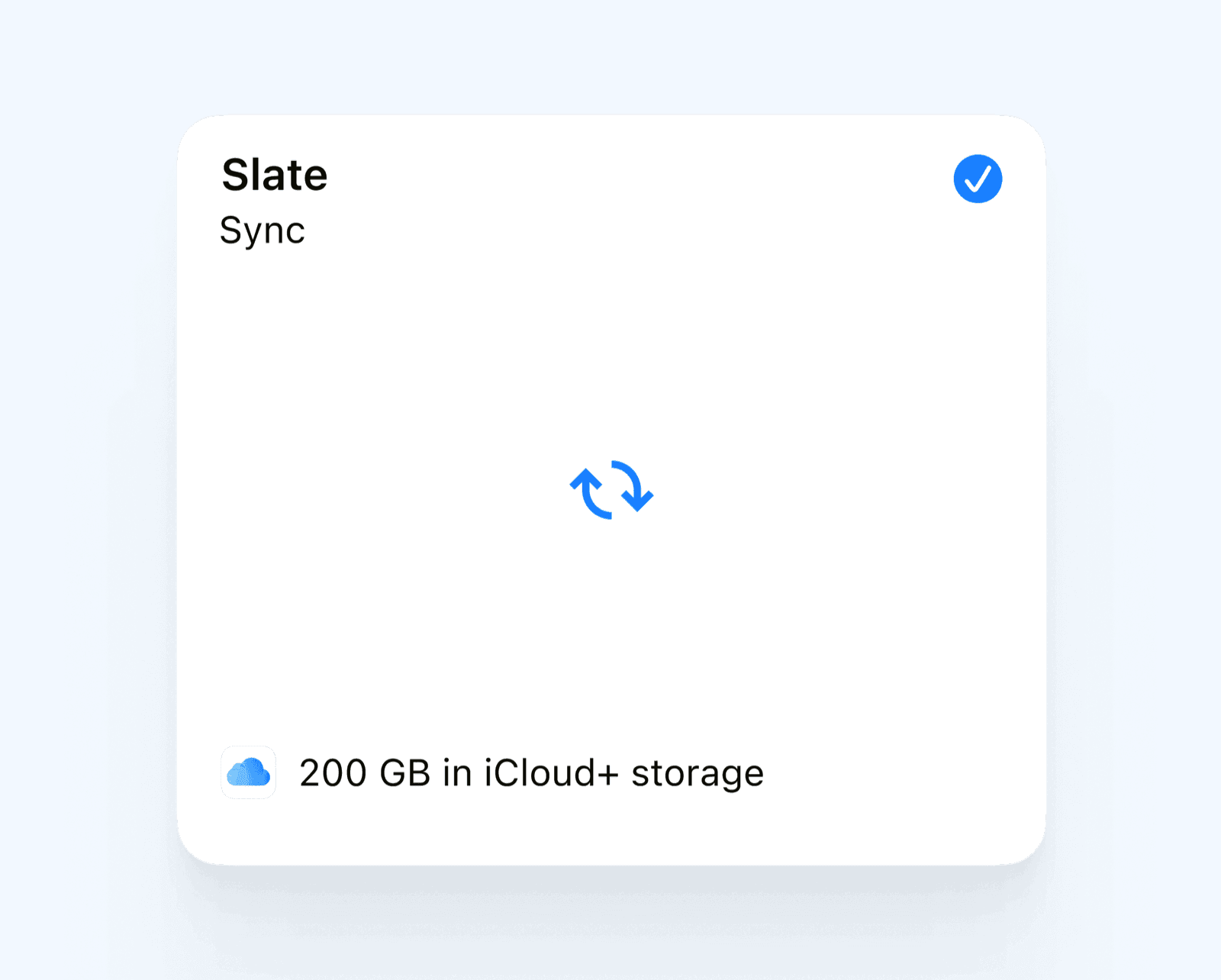
iCloud Everywhere
Your notes sync instantly across devices. Always there, always in sync, always offline-ready.
Search Everything
Search by keyword, tag, folder, or date. Natural language search that understands what you mean.
From idea to action in seconds.
Choose how you want to work. Slate adapts to your workflow, not the other way around.
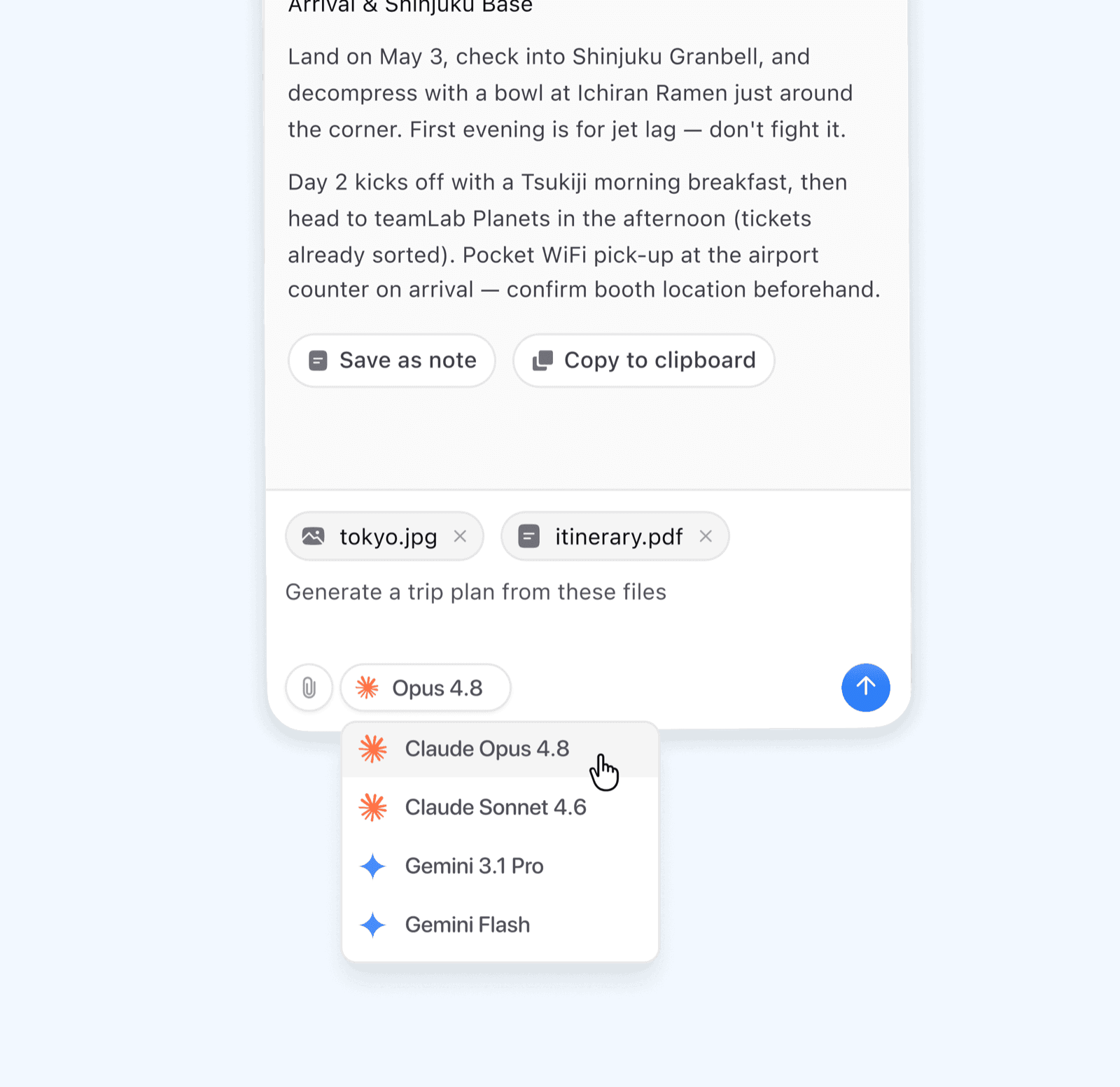
Pick Your Model
Choose the AI that fits the task.
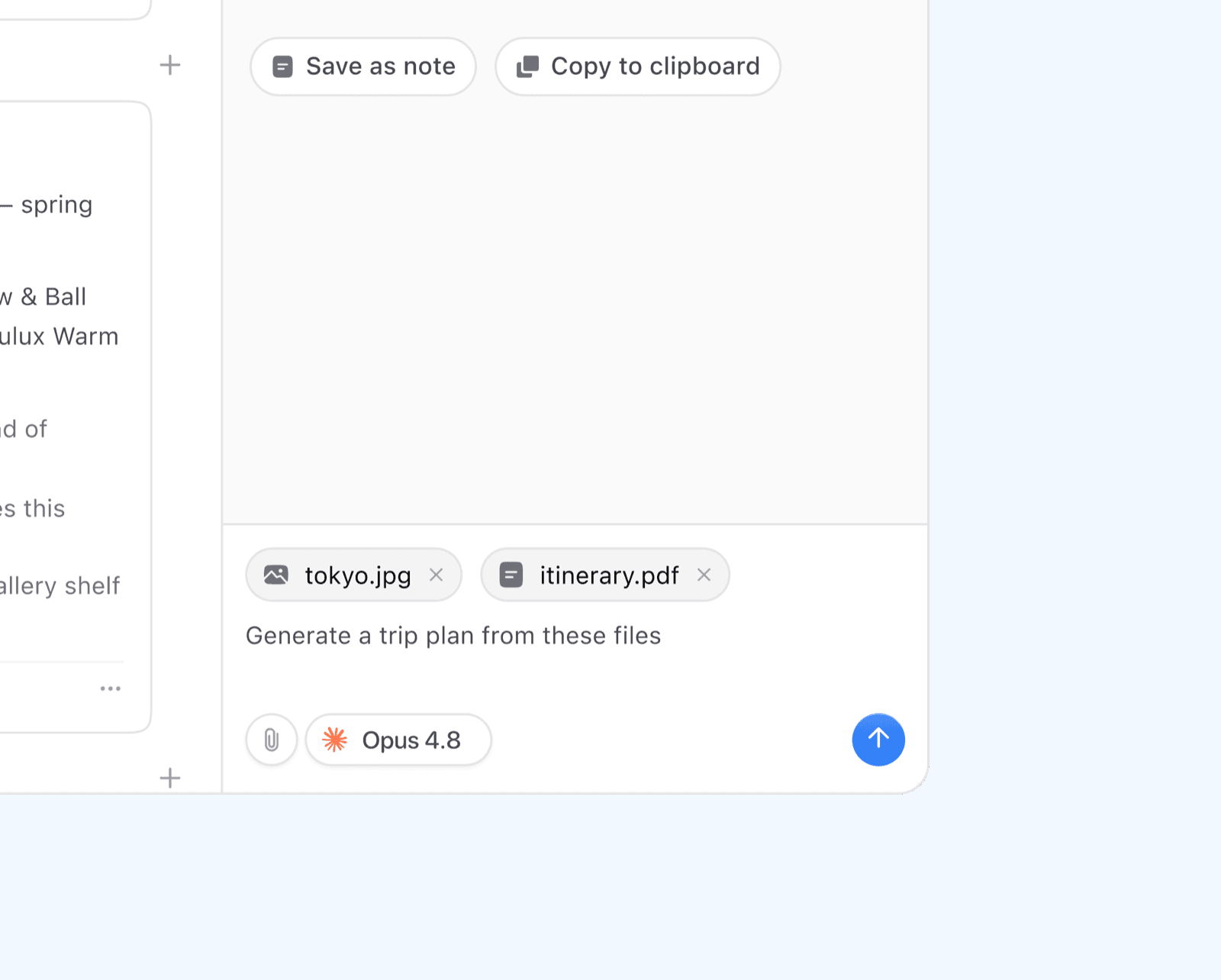
Switch between your favorite models directly inside Slate for writing, research, brainstorming, or summarization.
4+ Models
Available in a single workspace
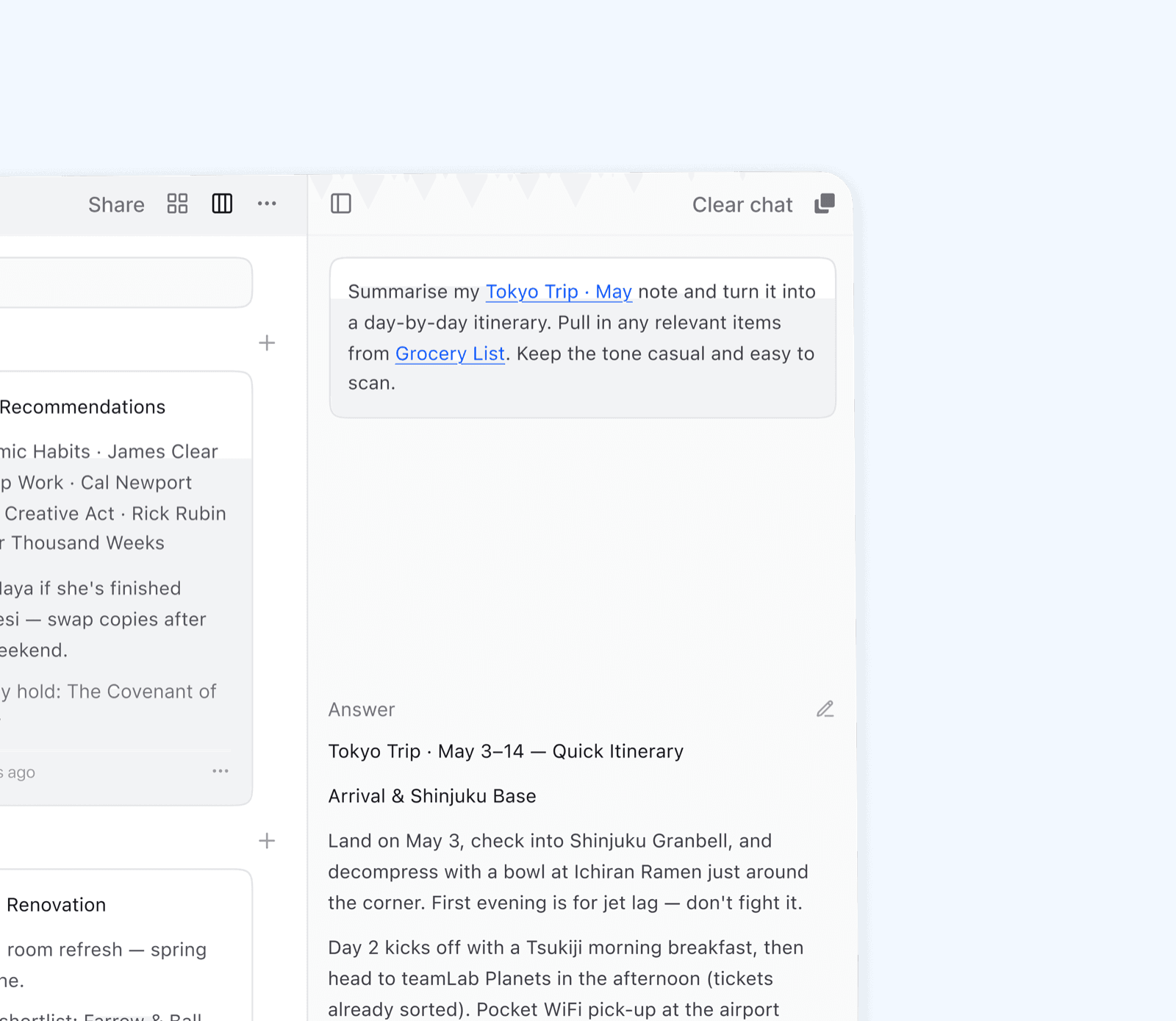
AI that reads
your notes
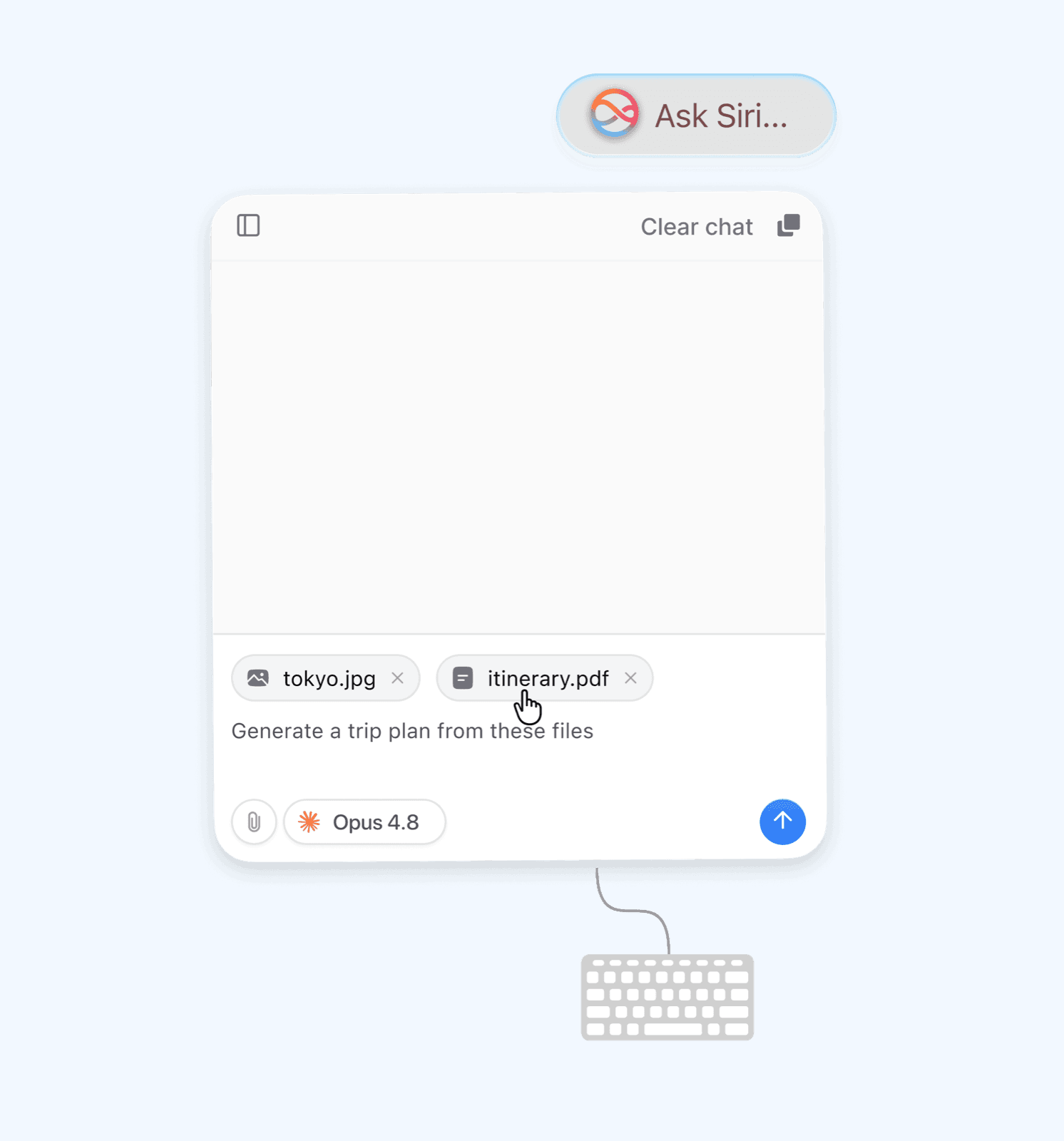
Not a generic chatbot. Slate's AI reads across every note you've written and connects the dots for you.
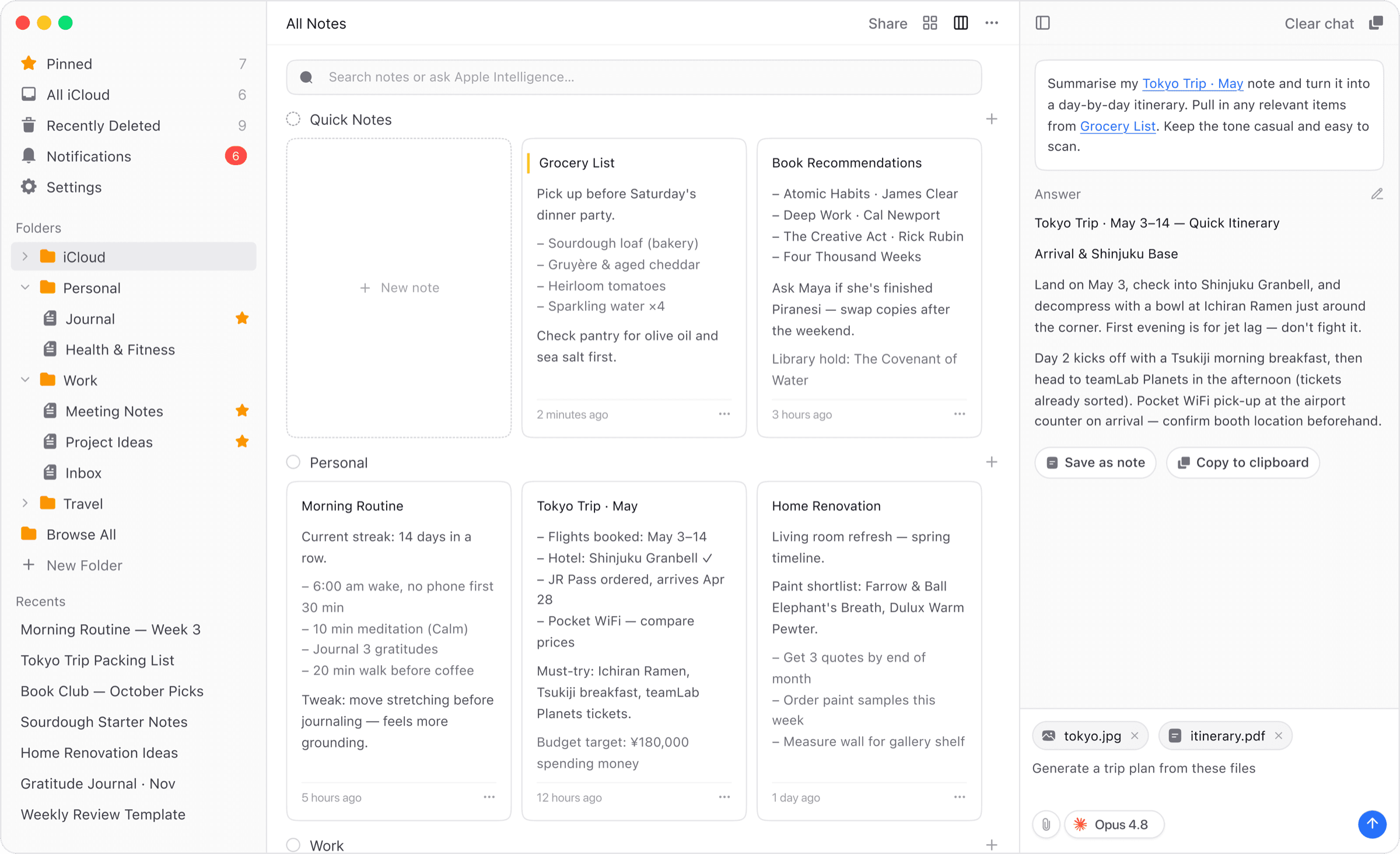
Ask
Ask anything and get answers grounded in your notes, files, and personal knowledge.
Link
Create a connected knowledge system where every note adds valuable context.
Save
Capture insights the moment they appear and keep them organized automatically.
Upload
Import documents, images, and PDFs to make your workspace smarter.
Up and running
in three steps
From install to first AI-powered note in under two minutes.
Step 01

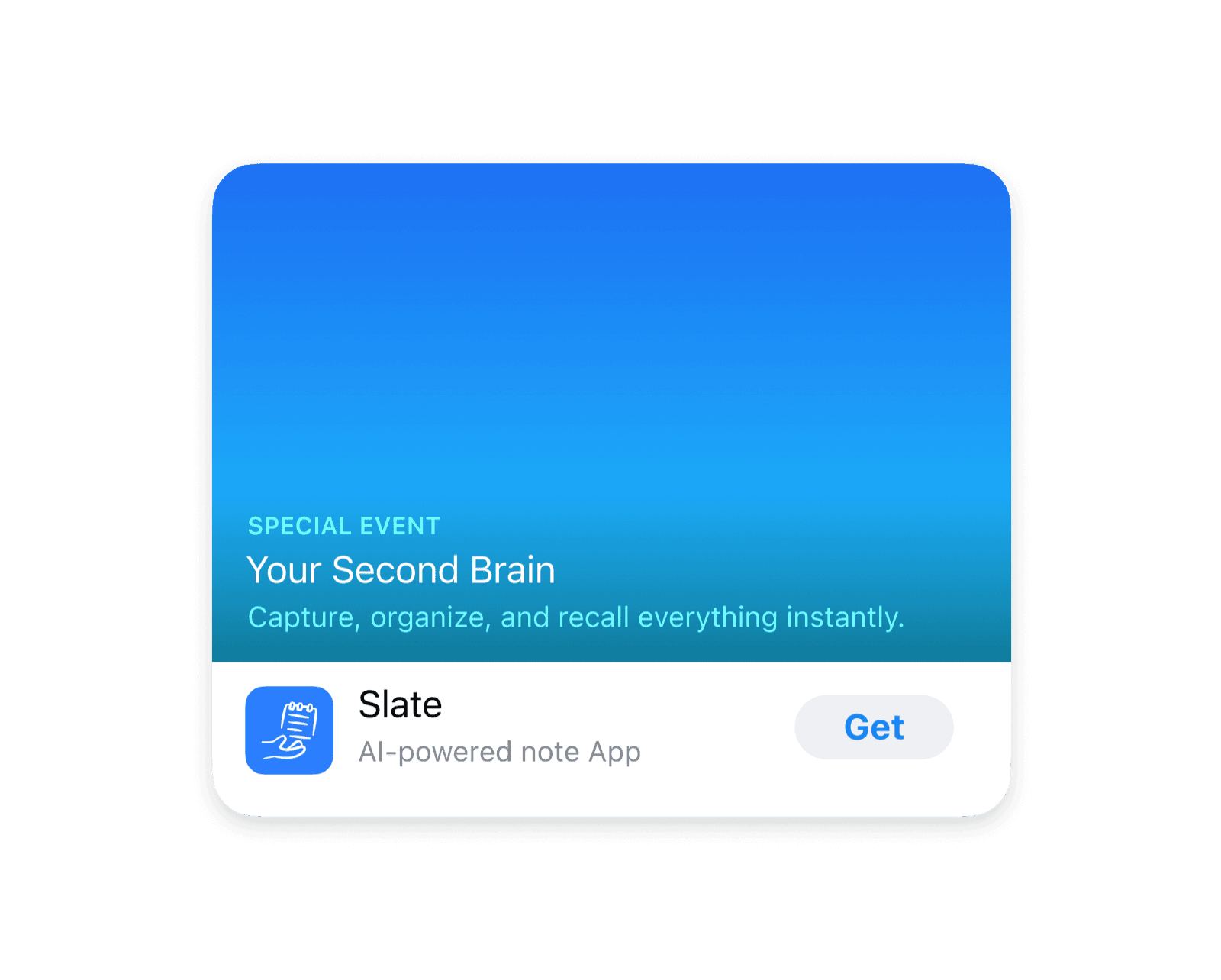
Download and sign in
Install Slate from the Mac App Store. Sign in with your Apple ID and all your existing iCloud notes sync automatically.
Step 02
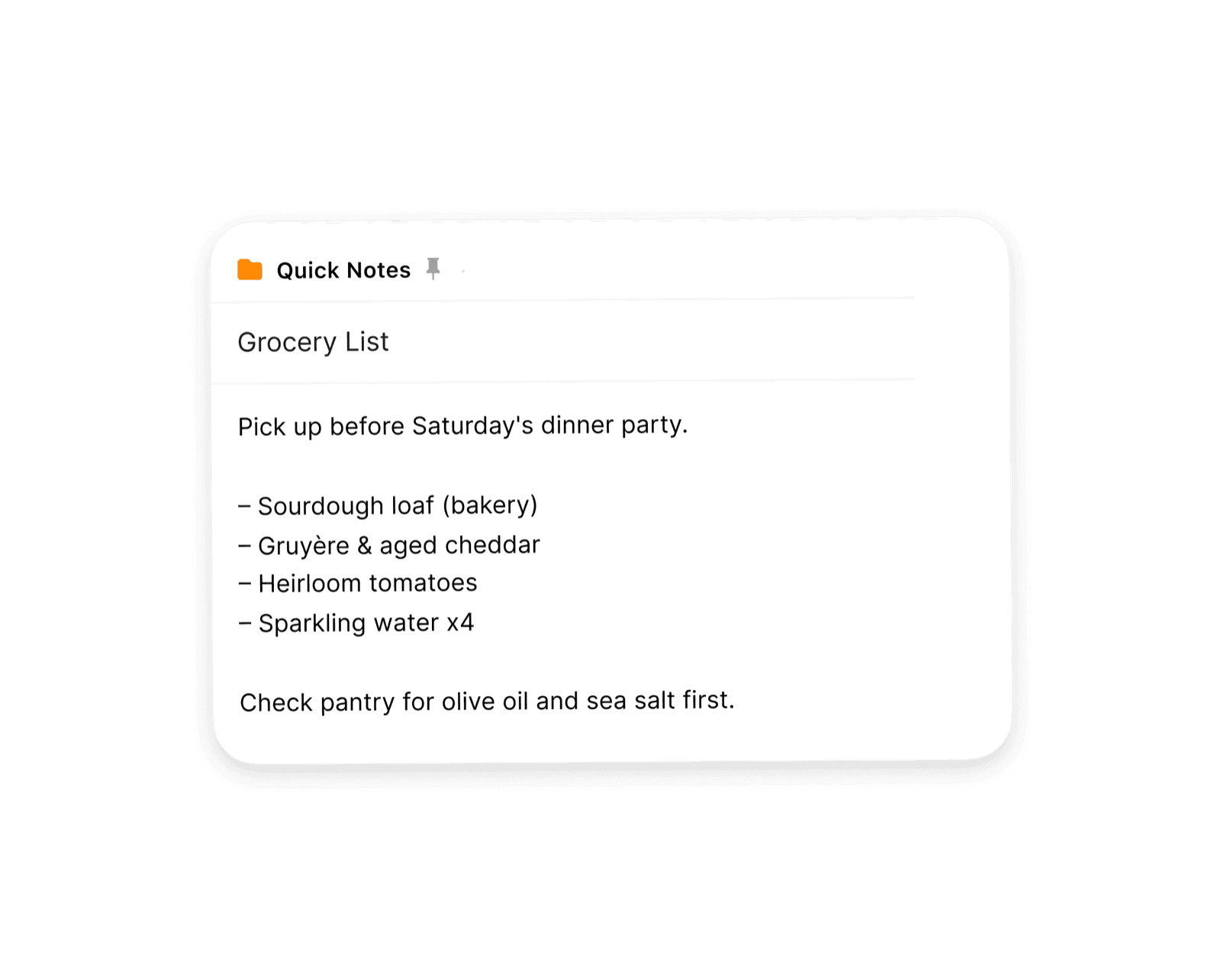
Write Your Notes
Use Quick Capture for instant ideas, or the rich editor for longer writing. Organise into folders and tag as you go.
Step 03
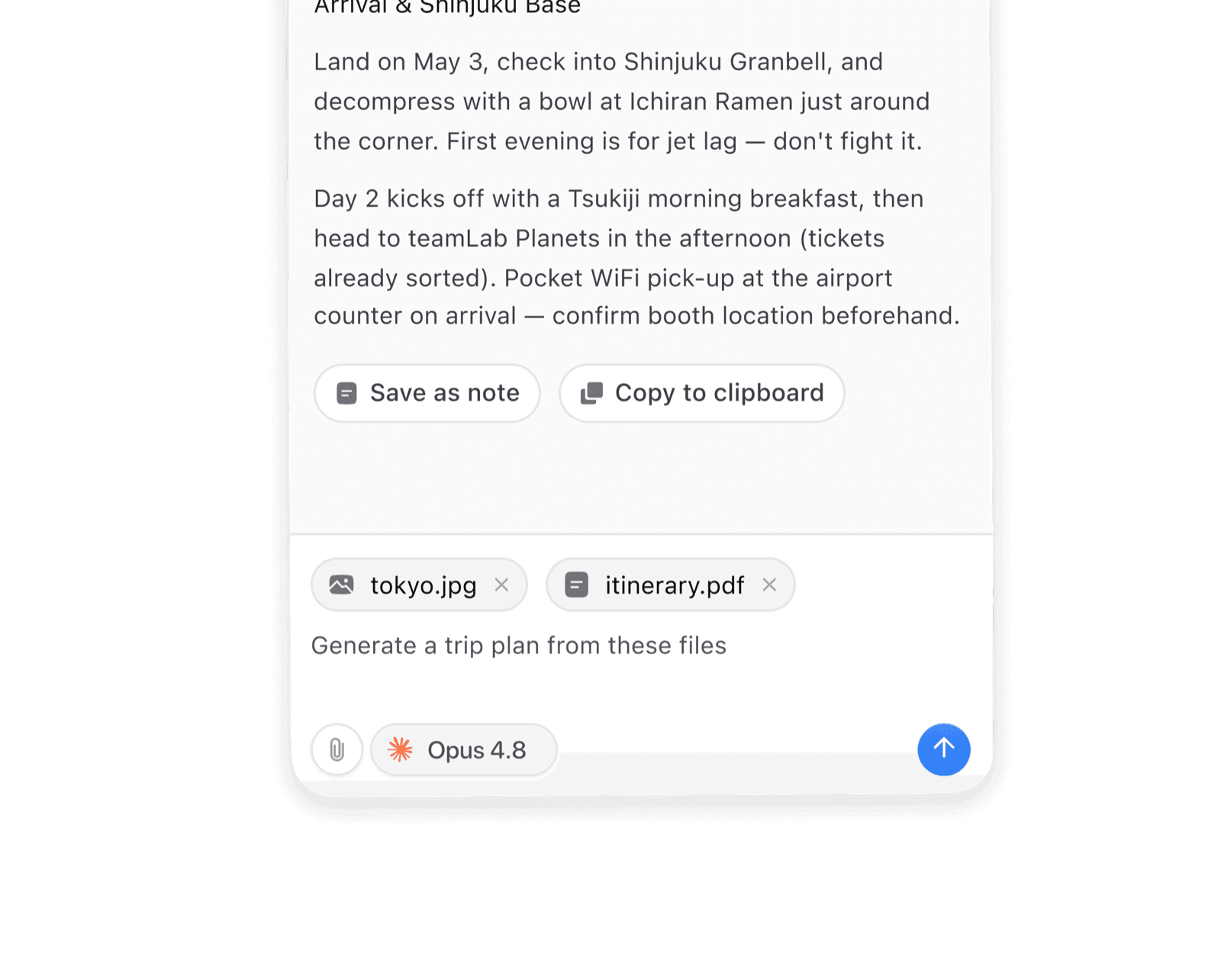
Ask the AI Anything
Open the AI panel and ask across all your notes. Summarise, plan, connect — save the answer as a new note in one tap.
Honest pricing,
no dark patterns
No hidden limits, no sudden paywalls mid-sentence. Start free, upgrade when it clicks.
Free Plan
$0
/per month
For individuals who want smarter personal notes without a subscription.
Up to 50 notes
Basic folder structure
iCloud sync across devices
Lock screen & home screen widget
Rich text editor
10 AI queries per month
Pro Plan
$4.99
/per month
For power users who live inside their notes every day and want full AI.
Unlimited notes
Unlimited AI queries
Cross-note AI reasoning
PDF & image AI analysis
Note linking & backlinks
Priority support (24h SLA)
Most Popular
FeaturesFeature Comparison
Free
Pro
Notes
Up to 50
Unlimited
AI queries
10/month
Unlimited
Cross-note AI
—
PDF & image
—
Note linking & backlinks
—
Future updates
Limited
While subscribed
What people actually say
From students to founders, solo writers to startup teams — slate fits the way real people think.

Sara Jones
Creative Director
“The morning routine streak tracker in my notes has kept me consistent for 14 days. The AI spotted that I perform better on days I journal before meditating — from my own words.”
Frequently aksed questions
Still have questions? Reach out to us at @helloslateai.com